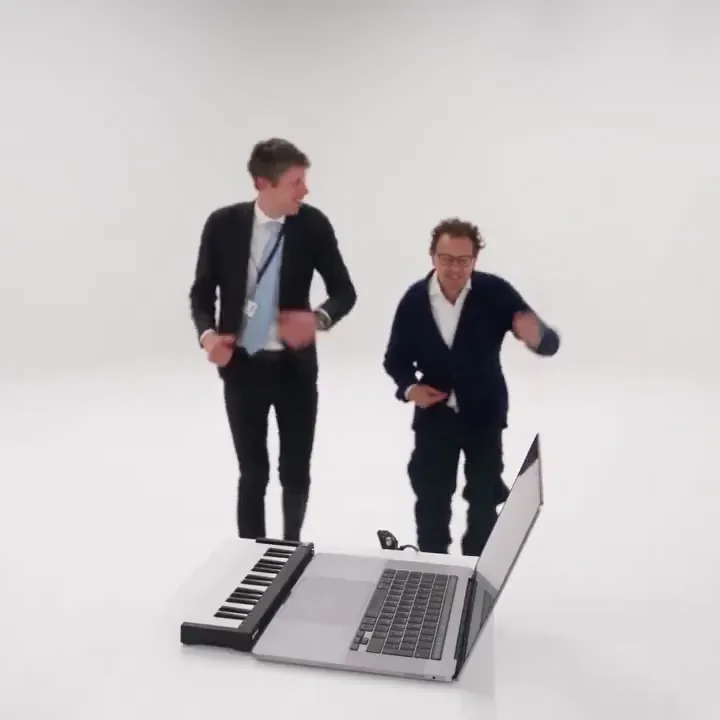
1. At the keyboard
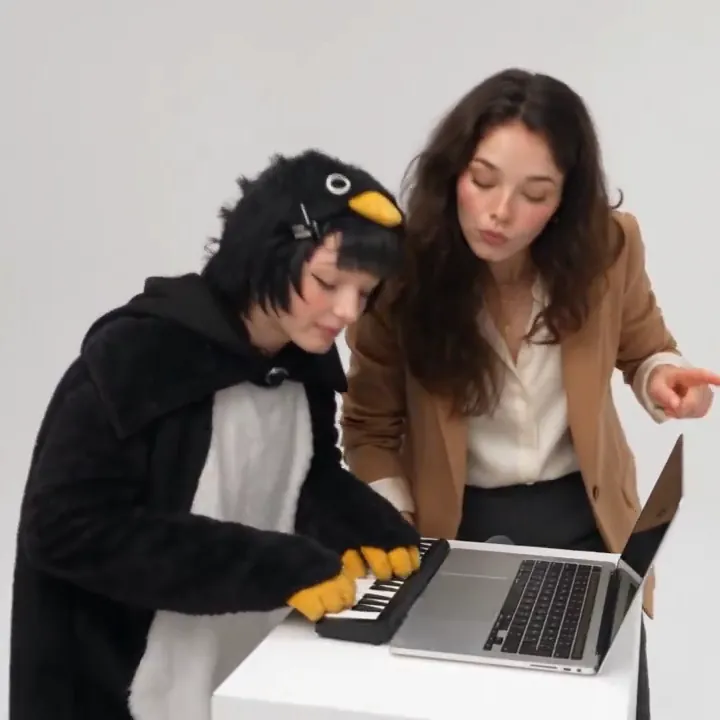
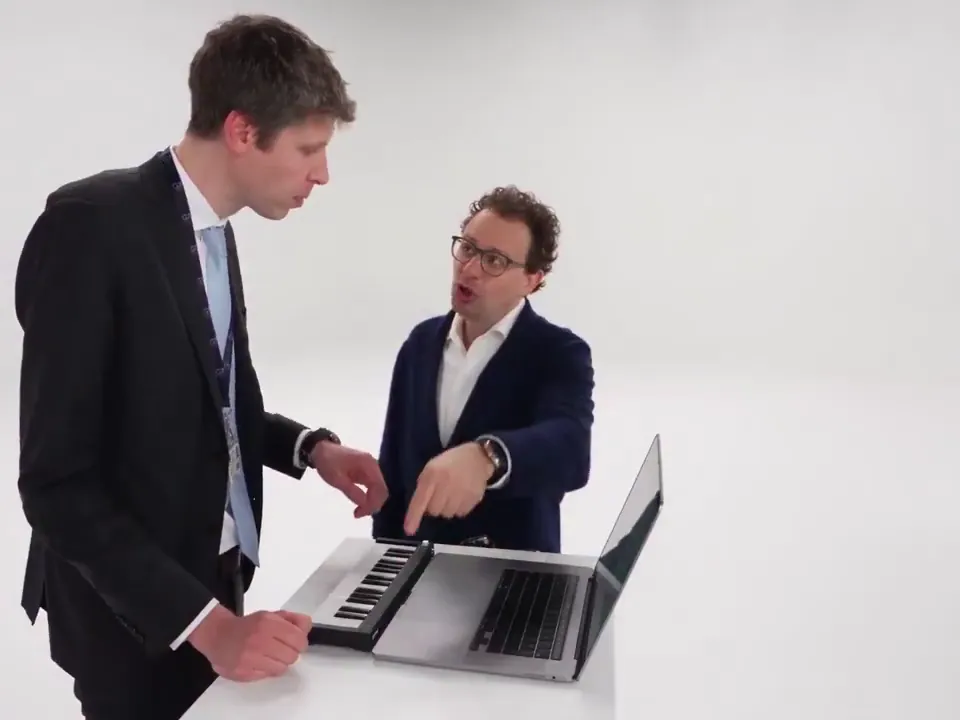
The first person sits at a laptop with a mini keyboard on a white backdrop and plays like they're producing the next big hit.
The viral studio sketch, from two photos
Make the Alors on Danse AI trend video from two photos. You play a mini keyboard in a white studio, your friend leans in for a huge close-up, and you both dance out of frame. No filming, no editing, no app.
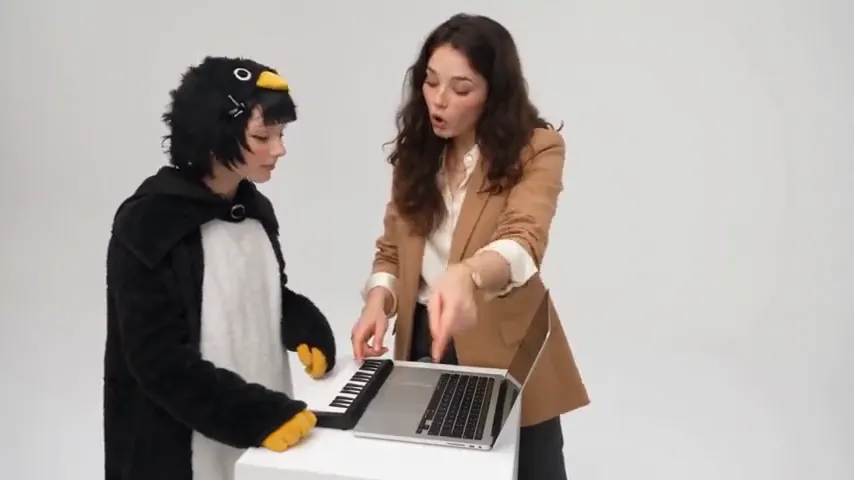
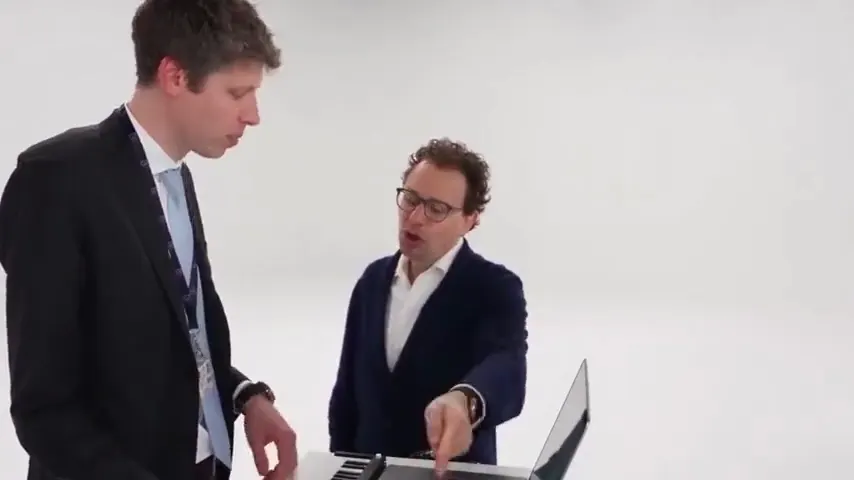
1Add two photos, one person each
Clear, front-facing photos work best, one face per photo. They don't need to be taken together. A pet works as the second photo too.
By creating, you confirm you have the right to use both photos and everyone in them agreed.
The sketch
Every Alors on Danse AI video follows the same short sketch. You don't act anything out: you upload two photos, and both of you appear in the scene.
The first person sits at a laptop with a mini keyboard on a white backdrop and plays like they're producing the next big hit.
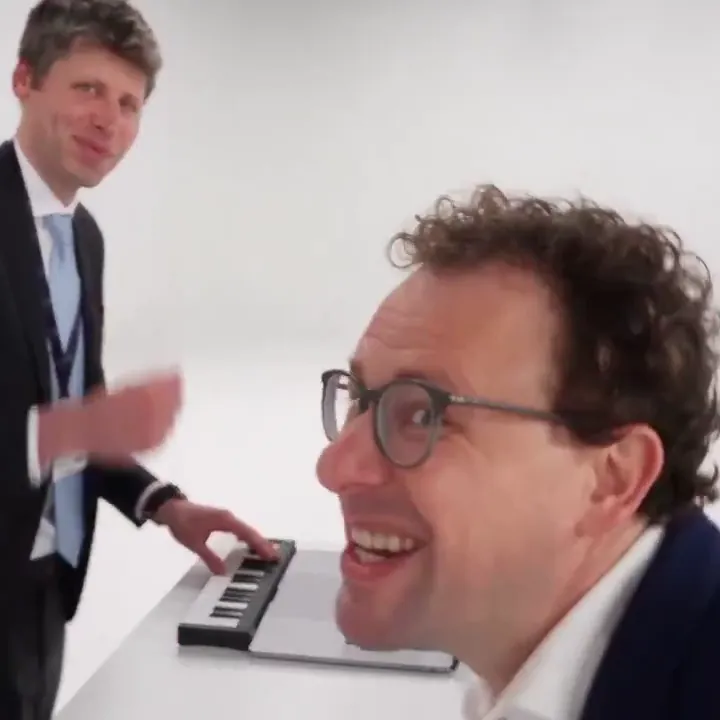
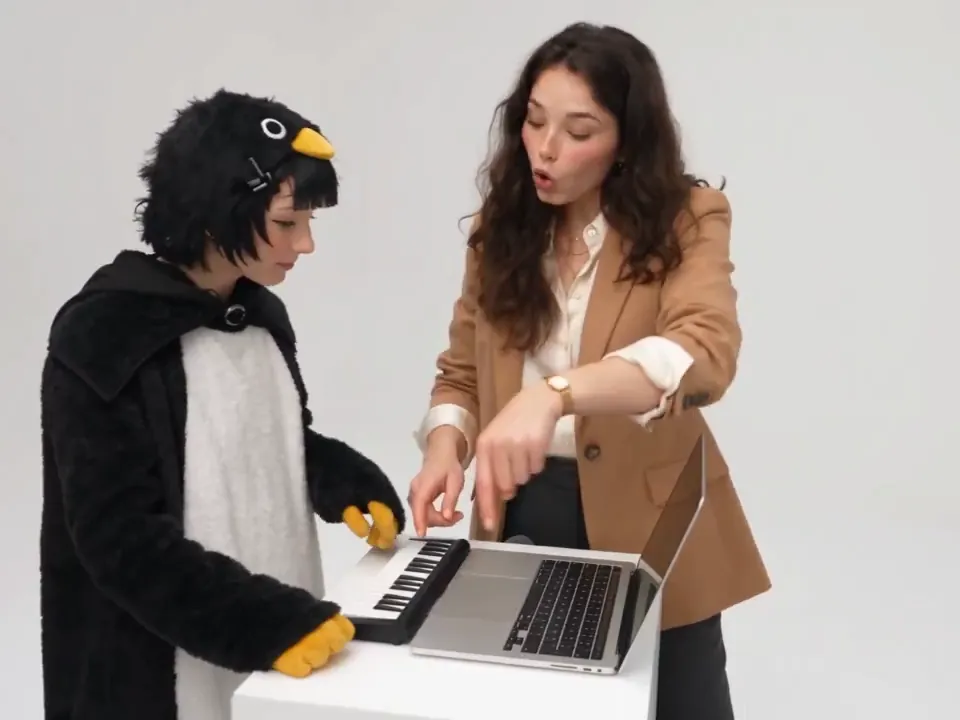
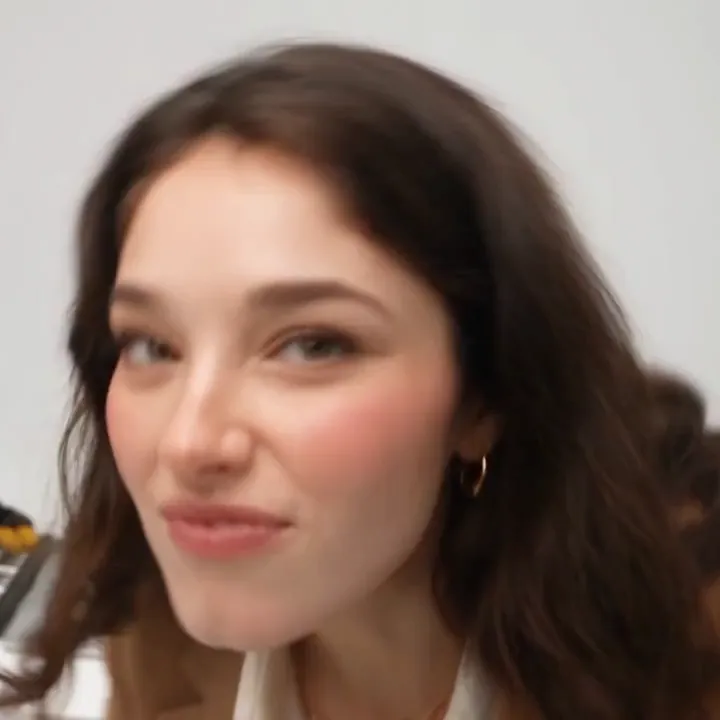
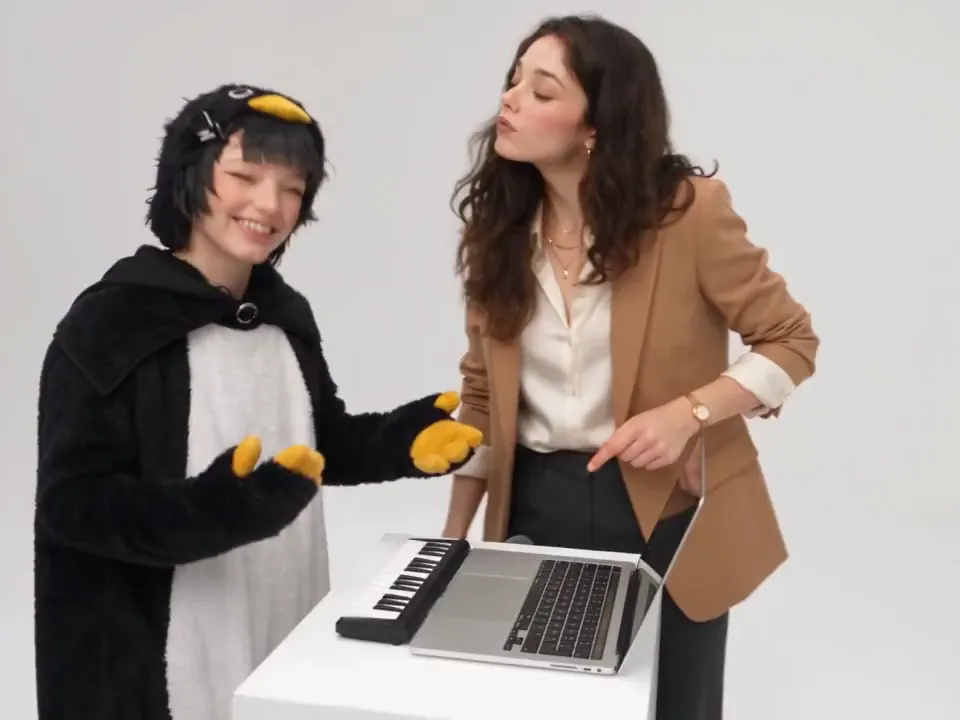
The second person points at the keyboard as if directing the session, then leans so close to the lens that their face fills the frame. This is the moment everyone screenshots.

Both of you get up and dance toward the camera until you leave the shot. That's the end of the clip.
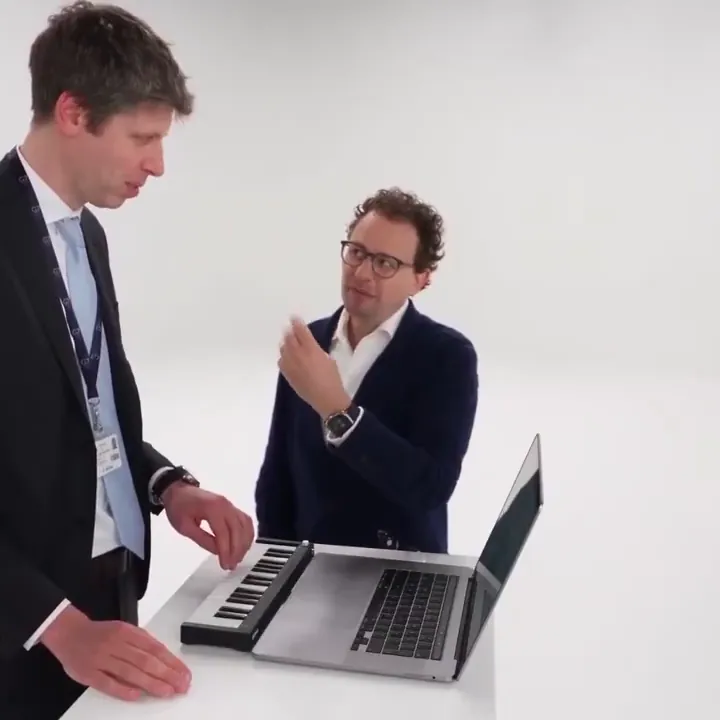
These stills show the sketch itself. Your video uses the faces from your own two photos.
The trend
The Alors on Danse AI trend is a short video format that took off on TikTok and Instagram Reels in October 2026. It recreates a scripted behind-the-scenes sketch that Stromae and Jamel Debbouze performed on the French TV show Made in Jamel: a white studio, a laptop with a mini keyboard, one person playing and the other hamming it up for the camera.
In the AI version, people put themselves and a friend into that scene using two photos. It works best with an unlikely pair: you and your roommate, you and your partner, you and your dog.
It isn't the 2021 TikTok challenge where groups danced to a slowed-down version of the song. The 2026 trend is the studio sketch, and that's the version Alors On Danse AI makes from your photos. We're not affiliated with Stromae, Jamel Debbouze or Made in Jamel, and your video doesn't reuse the original footage.
How it works
You need two photos and a few minutes. There's nothing to film, no template to edit and no reference clip to find.

Upload one photo of each person: you on the left at the keyboard, and your friend, partner or pet on the right. The photos don't need to be taken together, or even in the same city. If you only have a picture of the two of you, switch to One photo of both and upload that instead. JPG, PNG and WebP files up to 20 MB work.
The Studio Sketch is already selected: white studio, laptop, mini keyboard. The settings capsule under it shows your video settings in one line. Vertical 9:16 is the default, because that's how the trend gets posted; open the capsule if you want square or wide instead.
Sign in and press Generate. A video usually takes a few minutes, and you can leave the page while it renders: it will be waiting in your History tab. New accounts get enough free credits for one watermarked preview, so you can see the two of you in the scene before you pay. To get the full video in HD without a watermark, unlock it with a paid plan or a credit pack. If a render fails, the credits go back to your balance automatically.
The scene
Alors On Danse AI has one scene, built to match the trend. These four details are what make people recognize it.
A bright, empty white backdrop with no props in view, so all the attention stays on the two of you.
The first person sits at a small desk with a laptop and a compact keyboard, playing with total commitment.
The second person points, nods along, then leans so close to the lens that their face fills the frame.
To finish, both of you get up and dance toward the camera until you leave the shot.
Use cases
The sketch works for almost any pair. These are the moments people make it for.
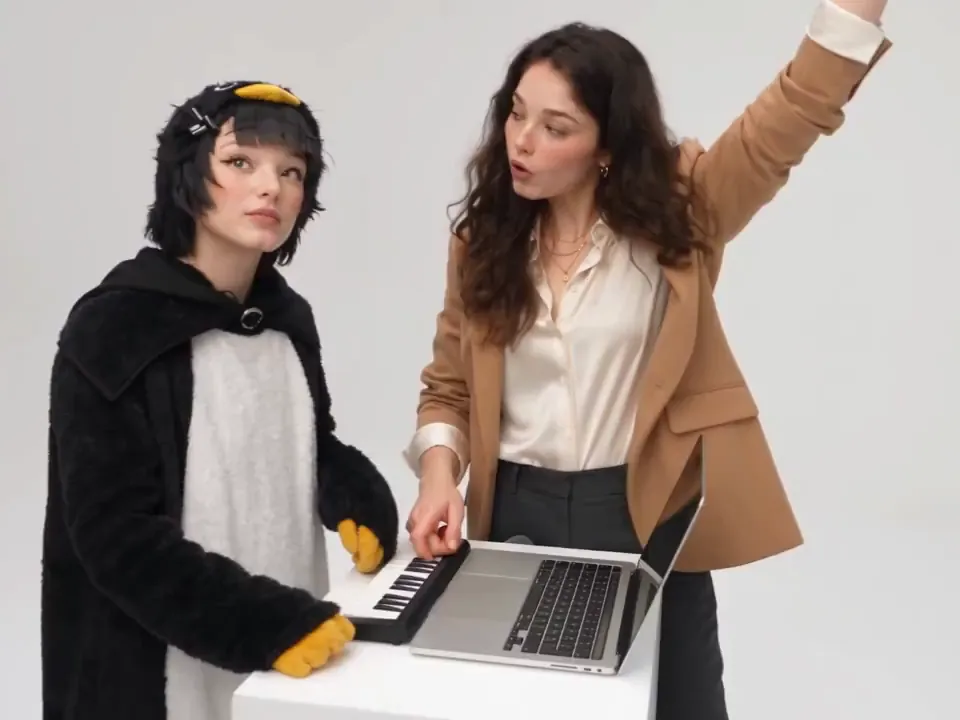
Tag your best friend and post it before the trend moves on. You each send a selfie, even from different cities, and neither of you has to film or rehearse.
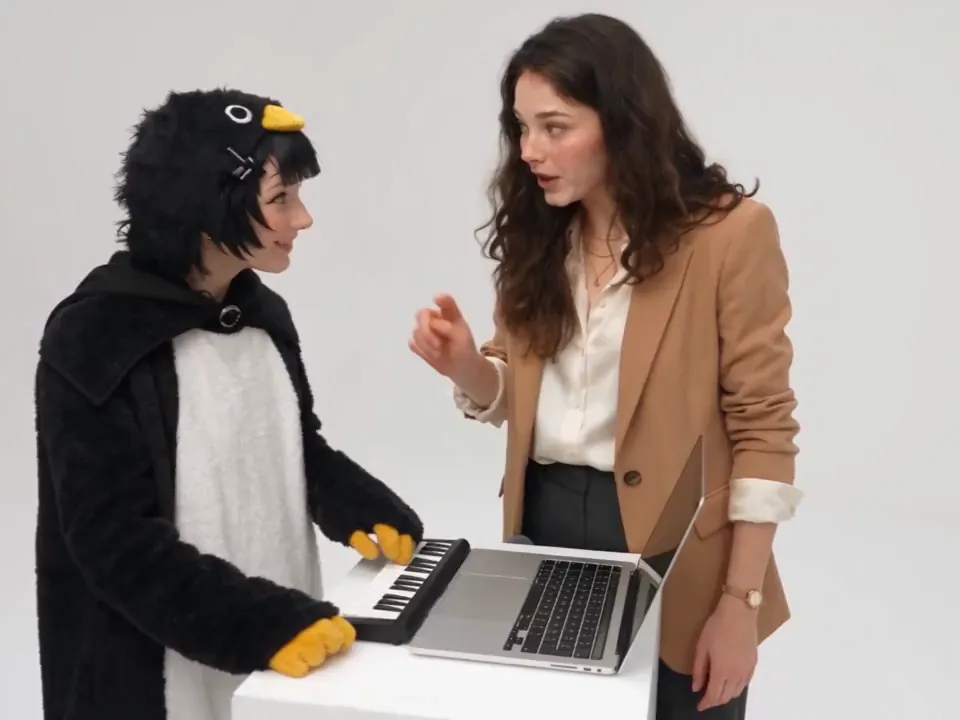
Put yourself and your partner in the same studio when you're not in the same city. It makes a funny anniversary post, or a surprise to send at midnight.
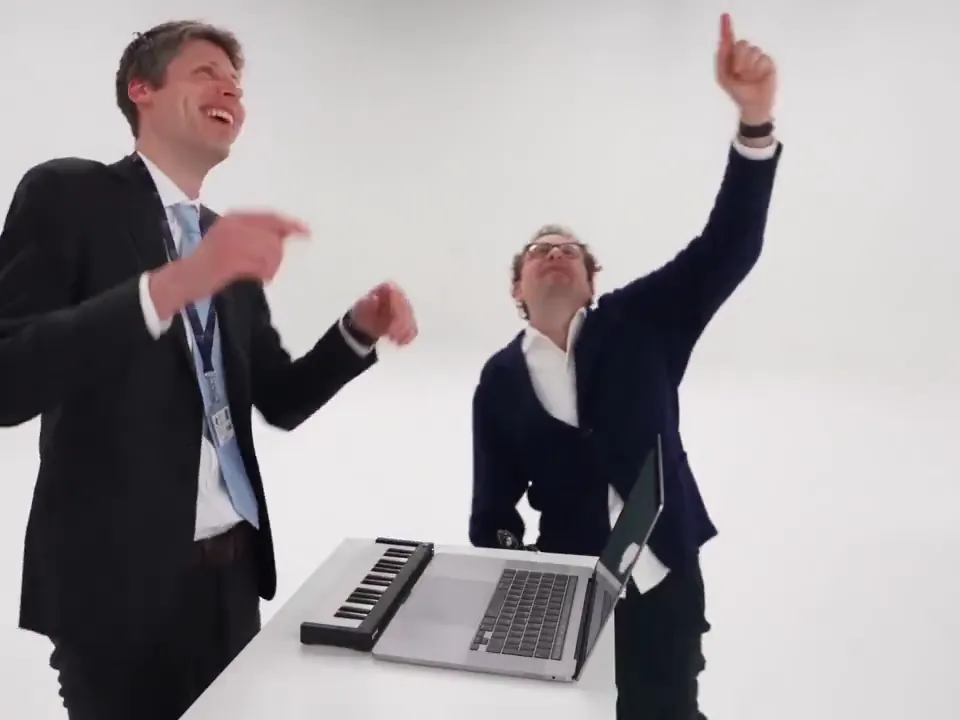
Swap the usual slideshow for a sketch starring the birthday person or the graduate, with their best friend as the sidekick. Drop it in the group chat or play it at the party.
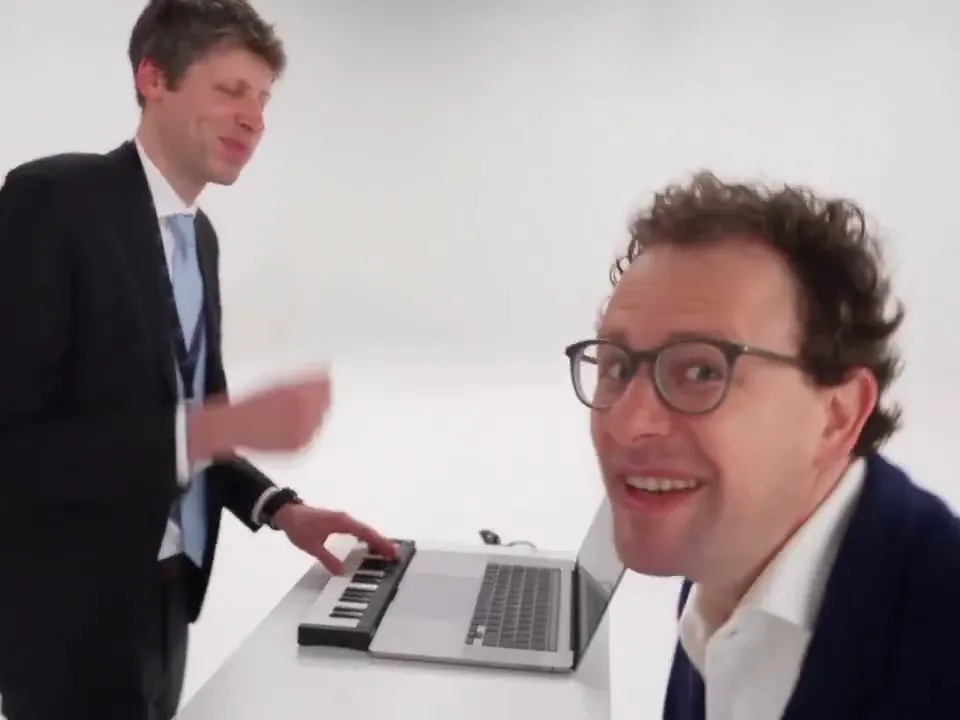
Post your own take while the trend is still climbing. The default vertical format fits TikTok, Reels and Shorts, so there's no cropping before you upload.
Use photos of teammates or brand ambassadors, with their permission, for a trend post that doesn't need a video shoot.
Put your dog or cat in the second photo slot and let them steal the close-up. Use a clear, front-facing pet photo and check the free preview first: animal faces are less predictable than people's.
Who it's for
You've seen the sketch, you know exactly who you'd make it with, and you don't want to spend an evening in a video editor. Two photos and a few minutes are enough.
You want something funnier than another photo dump. The sketch puts you both in one room, even if you live in different time zones.
Trends move in days. You get a vertical clip that reads as the Alors on Danse trend at first glance, and you can post it the same day.
You need a trend post with real people from the team, made fast and with their consent. Upload approved photos and skip the shoot.
Features
The photos don't need to match. Different rooms, cameras or years are fine, because the scene is rebuilt in the white studio. One photo of both of you works too.
You get the studio scene itself: the keyboard, the close-up and the dance-out. It isn't a beat-synced slideshow of your photos.
Videos come out in 9:16 for TikTok, Reels and Shorts unless you switch to square or wide in the settings.
New accounts get enough free credits for one short, watermarked preview, so you can check the faces before you pay.
Paid plans and credit packs unlock the full video in HD, as an MP4 you can post anywhere.
If a video fails or is stopped by a safety check, the credits go back to your balance automatically. You only pay for videos that finish.
Pricing
You can see the two of you in the scene for free. The full HD video without a watermark is paid, because every render runs on AI video models that cost real money.
| Free preview | Full video | |
|---|---|---|
| Cost | Free with the credits you get at sign-up | Credits from a plan or a credit pack |
| Watermark | Yes | No |
| Length | A short preview clip | The full sketch |
| Quality | Preview quality | HD |
| Download | Watch in your browser | MP4 download |
| If a render fails | Credits refunded | Credits refunded |
Compare
There are four common ways people try to make this video. Here's how they compare on what matters for this trend.
| Alors On Danse AI | CapCut templates | Kling motion control | Dance apps such as Viggle | |
|---|---|---|---|---|
| What you get | The studio sketch, with both of you in it | A beat-synced slideshow of your photos | Your photo animated to copy a clip you supply | Your photo animated to copy a dance |
| What you upload | Two photos, or one photo of both | A handful of photos | A photo plus a reference video | A photo plus a dance template or video |
| Two people in one shot | Yes, it's built for two | Your photos appear one after another | Depends on your reference clip | Varies by app |
| Setup | None: the scene is ready | Pick a template | Find a reference clip and tune the settings | Pick or upload a motion |
| Free option | A watermarked preview | Many templates are free | Varies by plan | Varies by app |
CapCut, Kling and Viggle are trademarks of their owners. Their features change often; this table describes typical use as of October 2026.
One photo of you, one of your friend, and a few minutes of waiting.
Make your videoThe song
"Alors on danse" is French for "so we dance". It's the title of the 2009 breakout single by the Belgian artist Stromae, which went to number one in much of Europe in 2010.
The lyrics run through everyday worries, like work, money and heartbreak, and keep landing on the same answer: so we dance. A bleak list over a catchy beat is why people use the phrase as a shrug. Things are rough, so we dance anyway.
The AI trend borrows the title and the studio sketch, not the meaning. If you came for the full lyrics, Stromae's official channels and licensed lyrics sites have them. If you came for the video, the maker is at the top of this page.
Answers about photos, cost, phones, downloads and the trend itself.
Ready when you are
Add two photos and watch the two of you take over the studio.
Start with two photos